

PRACTICAL AI + EASY EXCEL COMMUNITY

Make work easier.One useful skill at a time.

Get practical AI and Excel training, try it in your work, and bring your questions. Learn with Billy “Mr. Aloha” Wigley and a community that helps you keep going.

Learn by doing
Ask when you get stuck
Build your confidence

Open now. One practical membership. $20 per month.

Your membership includes the complete 7 Steps to Excel Success VIP Bundle and the AI for Leaders course.

Billy Mr. Aloha Wigley welcoming you from his teaching studio
Your guide, Mr. Aloha Microsoft Certified Trainer
Don’t get mad... Get skills!
Microsoft Certified Trainer100+ included training videosAI + Excel + human support

LET'S FIND YOUR STARTING POINT

Your next win
starts here.

What's taking longer than it should? Answer five quick questions and get a practical example matched to your task.

5 questions. A useful next step.
No email required.
AI + EXCEL WORKFLOW CHECK-IN

What could feel easier at work?

Maybe it's a recurring report. Maybe it's an AI answer that needs too much fixing. Let's choose one place to start.

Or explore an example first

A LITTLE PRACTICE. A NEW POSSIBILITY.

Go on. Give it a try.

Explore a sales question, improve a work update, or try a clearer AI request. These small examples give you a taste of learning by doing.

Fictional Aloha Print Company practice data

Which category brings in the most revenue?

Choose a category. Watch the totals change, then check the answer.

Revenue$1,320
Listed cost$732
Profit$588
OrderCategoryRevenueCostProfit
A101Apparel$240$144$96
A102Signs$360$180$180
A103Mugs$120$72$48
A104Apparel$180$108$72
A105Signs$240$120$120
A106Mugs$180$108$72

In Excel, a PivotTable can summarize these amounts by category. Start with a question, then choose the tool that helps you answer it.

See the reusable prompt

Using only the supplied sales table, total Revenue, Cost, and Profit by Category. Check that Profit equals Revenue minus Cost. Identify the category with the highest Revenue. Show category totals and grand totals. Do not infer why a category performed better. Table: [paste fictional or approved practice data]

THIS IS WHERE WE LEARN TOGETHER

Watch a lesson.
Bring your questions.

The training gives you something to try. The community gives you a place to ask, share, and keep improving.

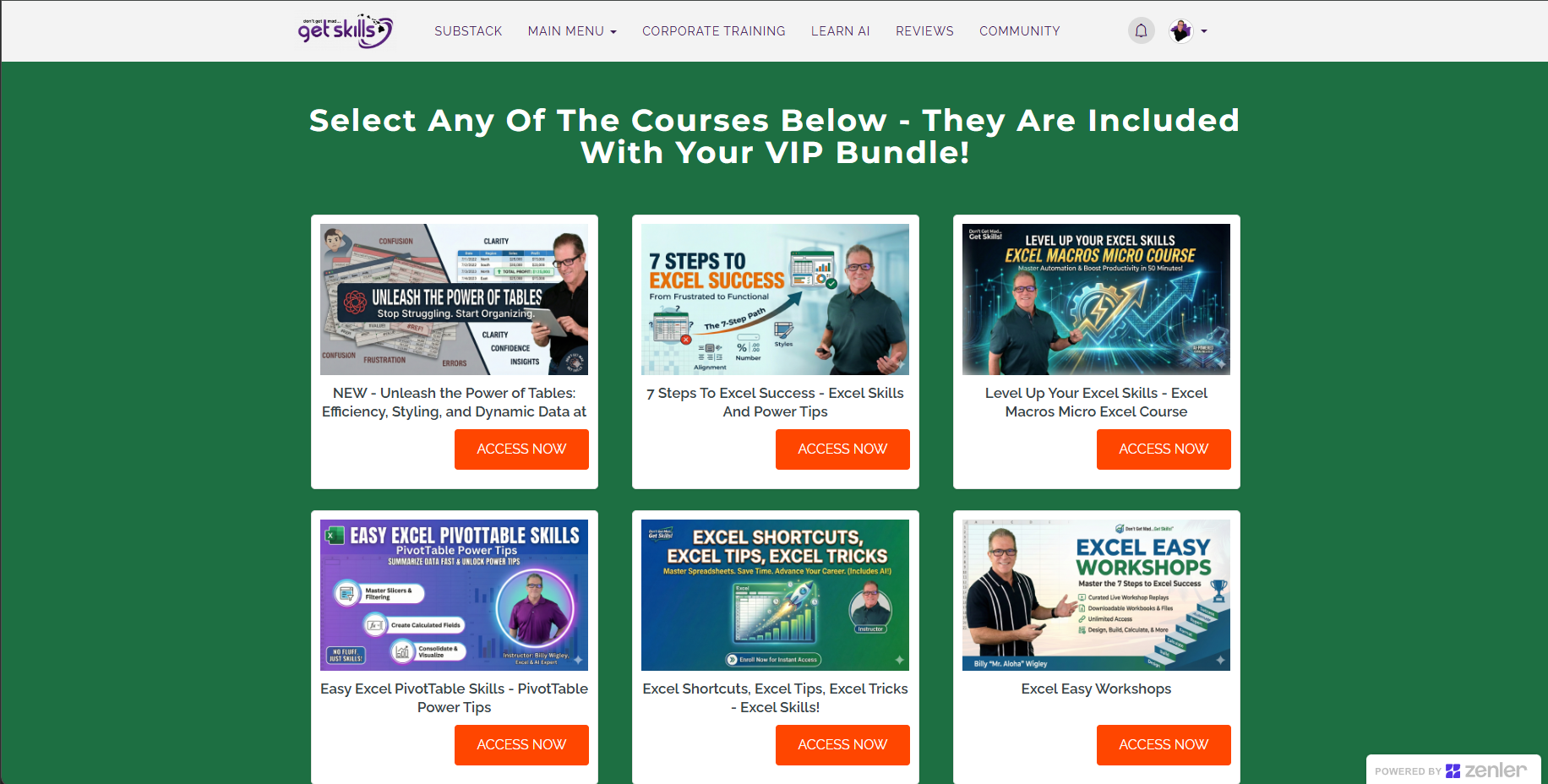
Member course access dashboard showing Excel Tables, 7 Steps to Excel Success, Macros, PivotTables, Excel Shortcuts, and Excel Easy Workshops
Training you can start today. These courses are included with your active $20/month membership.

PRACTICAL AI TRAINING, INCLUDED

Choose an AI skill you can put to work.

Your active $20/month membership also includes these courses and your member welcome guide.

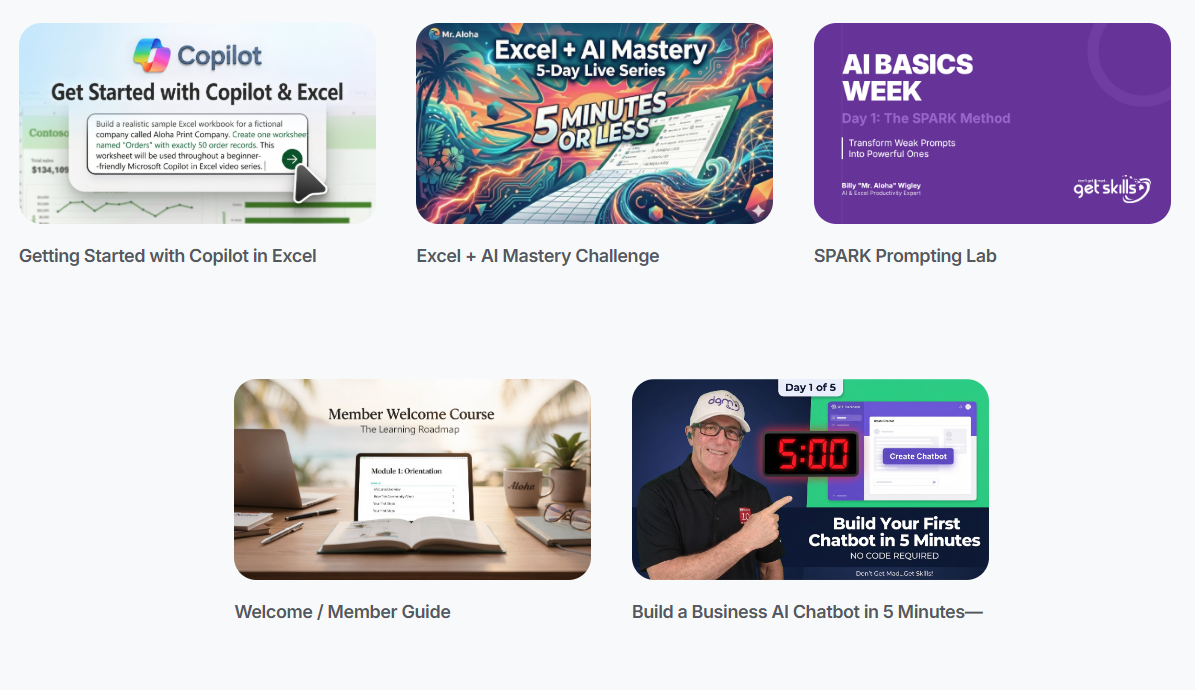
Included AI course library: Copilot in Excel, Excel and AI Mastery, SPARK Prompting, the member guide, and building a business AI chatbot
  • Getting Started with Copilot in Excel
  • Excel + AI Mastery Challenge
  • SPARK Prompting Lab
  • Build a Business AI Chatbot in 5 Minutes
  • Welcome / Member Guide
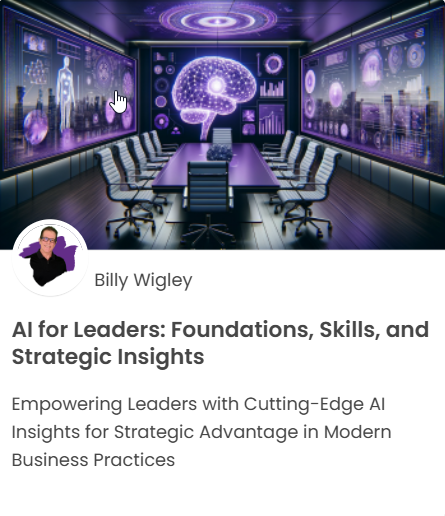
AI for Leaders course card by Billy Wigley

ALSO INCLUDED IN YOUR MEMBERSHIP

AI for Leaders: Foundations, Skills, and Strategic Insights

Build your understanding of AI and explore how it applies to leadership, strategy, and everyday business decisions.

Included with your active $20/month membership. Your welcome email explains how to access the course.
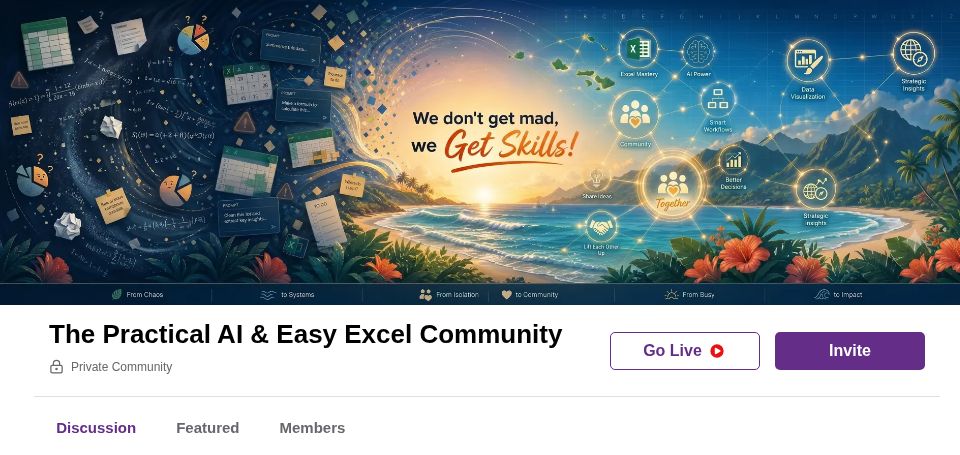
Inside the Practical AI and Easy Excel Community: the welcome banner and discussion area
A new community. A welcoming place to build your skills together.

LEARN TOGETHER

Focused learning. Connected conversations.

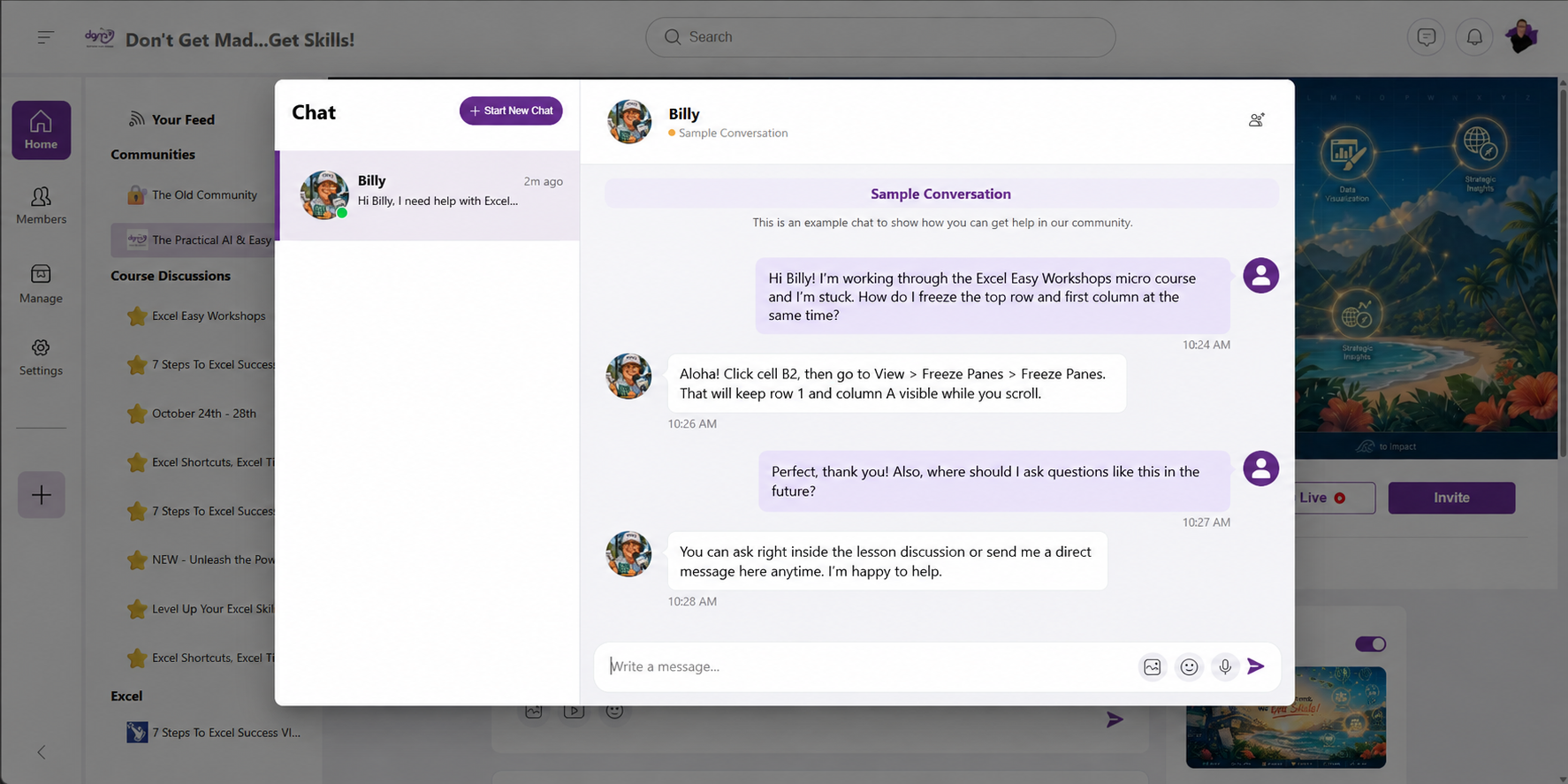
Courses and microcourses keep your learning focused on specific AI and Excel skills, with conversations connected to what you’re practicing.

  • Ask inside the lesson. Keep questions and answers connected to the technique you’re learning.
  • Follow discussions in your feed. Catch up on conversations from the courses you’re enrolled in.
  • Connect with members. Use live chat and direct messages, including with Mr. Aloha, where members’ privacy settings allow.
Illustrative sample chat: a member asks how to freeze an Excel row and column, and Billy explains the steps and where to ask lesson questions
Sample conversation. An illustration of member messaging, not an actual exchange or a promised response time. Select the image to view it full size.
01

Find a useful lesson

Start with the work in front of you: a formula, a recurring report, or an AI answer that needs improving.

02

Put it into practice

Follow along with workbooks, prompts, and examples. Try the technique before moving to the next lesson.

03

Ask and keep going

Bring your questions to the community and live sessions. Share what worked and learn from other people’s experience.

MORE TO LEARN. MORE TO PUT TO WORK.

Your learning library keeps growing.

More Excel and AI courses are on the way, along with microcourses and bite-sized lessons you can fit into a busy day. Your active membership includes access to all future Excel and AI courses and learning content as they’re released.

YOUR FIRST WEEK, AT YOUR PACE

Start with one task you want to make easier.

Choose your starting point. Try one lesson. Practice one technique. Ask a question when you need help. You don’t have to work through an entire library to begin.

A LITTLE HELP FINDING YOUR WAY

Meet Kimo Aloha.

Kimo is the AI guide in the chat bubble. Ask about the membership, the included training, or where to start with your AI and Excel goals.

For your learning questions, bring the details to the community and live support sessions.

LEARN WITH REAL PEOPLE

Bring the question
you’re stuck on.

Join live classes and support sessions, watch practical walkthroughs, and keep building your skills alongside other professionals.

Check the member calendar for upcoming sessions. Use the training library at your own pace between events.

ONE MEMBERSHIP

Your next step.
All in one membership.

Get the complete 7 Steps to Excel Success VIP Bundle, AI for Leaders, practical resources, and a community to help you apply what you learn.

  • Practical AI + Easy Excel lessons
  • Complete 7 Steps to Excel Success VIP Bundle
  • AI for Leaders course
  • Copilot in Excel, Excel + AI Mastery Challenge, SPARK Prompting Lab, and business AI chatbot training
  • Welcome / Member Guide
  • 100+ Excel training videos
  • Custom workbooks and quizzes
  • Templates and resources
  • Live classes and community support
  • AI-powered assistance
  • Access to all future Excel and AI courses, microcourses, and bite-sized lessons as they’re released, while your membership is active
Billy Mr. Aloha Wigley smiling in his teaching studio and giving the shaka sign

YOUR PRACTICAL GUIDE

Hey, I'm Billy "Mr. Aloha" Wigley.

I help professionals work smarter with Practical AI and Easy Excel.

After decades of working in business, productivity, and training, my goal is simple: help you save time, reduce frustration, and use technology in ways that actually make your work better.

No hype. No theory for theory's sake.
Just practical skills and systems you can use.

Microsoft Certified Trainer
AI Educator
Excel Productivity Expert
Experienced Corporate Trainer

REAL STORIES. REAL RESULTS.

A teacher you’ll enjoy learning with.

Feedback from students and clients about Billy’s training and support.

GOOD QUESTIONS

Know What You're Joining.

Clear answers, no fine-print games. If you still have a question, the GetSkills team can help before you enroll.

Still deciding?Start with the outcome you want at work.

A bright Kauai-inspired professional workspace

PRACTICAL SKILLS. REAL IMPLEMENTATION.

Bring your curiosity.
Let’s build your skills.

Start with one useful skill. Get support. Keep on learning.

$20/month
Join the community · $20/month